
Verkada vs. Milestone: Which VMS Is Right for Your Organization?
Verkada and Milestone XProtect are two of the most frequently compared video management platforms in the enterprise and mid-market security space — and they're genuinely different products designed for different organizational needs. The right answer depends on your IT team's capacity, your organization's size and footprint, your on-premise infrastructure appetite, and how your security team actually uses surveillance footage day-to-day.
This isn't a paid comparison. WCC installs both platforms across Southern California, and we see organizations choose the wrong one — in both directions — regularly. Here's an honest breakdown.
The Fundamental Difference
Verkada is a cloud-managed, hybrid security system. Cameras process and store footage locally on the camera or on Verkada's cloud servers, and the management platform lives entirely in Verkada's cloud. There's no on-premise VMS server. Configuration, live view, historical footage, and user management all happen through a web browser or mobile app.

Enterprise VMS platforms like Verkada and Milestone serve very different organizational needs — the right choice depends on your IT team capacity and site footprint.
Milestone XProtect is an on-premise VMS platform. Footage is recorded to on-premise servers running Milestone software. The management platform runs on your network. Advanced integrations, analytics, and access control connections are managed through Milestone's software ecosystem. Cloud connectivity is available as an add-on but the core system lives on your infrastructure.
Head-to-Head Comparison
| Factor | Verkada | Milestone XProtect |
|---|---|---|
| Infrastructure required | None — cloud managed | On-premise server(s) |
| IT overhead | Very low | Moderate to high |
| Multi-site management | Excellent — single dashboard | Good — requires server at each site or VPN |
| Integration depth | Good within Verkada ecosystem | Excellent — broad third-party integration |
| Access control integration | Native with Verkada Access | Deep with most major access control platforms |
| Analytics | Built-in, cloud-processed | Extensive via Milestone Marketplace plugins |
| Pricing model | Per-camera annual license | One-time license + camera licenses + server |
| 5-year TCO | Higher (ongoing licensing) | Lower for large deployments |
| Data sovereignty | Footage stored in Verkada cloud | Footage on your premises |
| Deployment speed | Fast — no server setup | Slower — server installation and config |
When Verkada Is the Right Choice
Multi-Site Organizations Without On-Site IT
If you manage 5, 10, or 50 locations and don't have IT staff at each site, Verkada is genuinely transformative. A retail chain, healthcare system with multiple outpatient clinics, or a school district managing cameras across dozens of campuses can manage the entire deployment from a single web dashboard — without sending an IT person to each location to maintain on-premise servers or pull footage from local recorders.
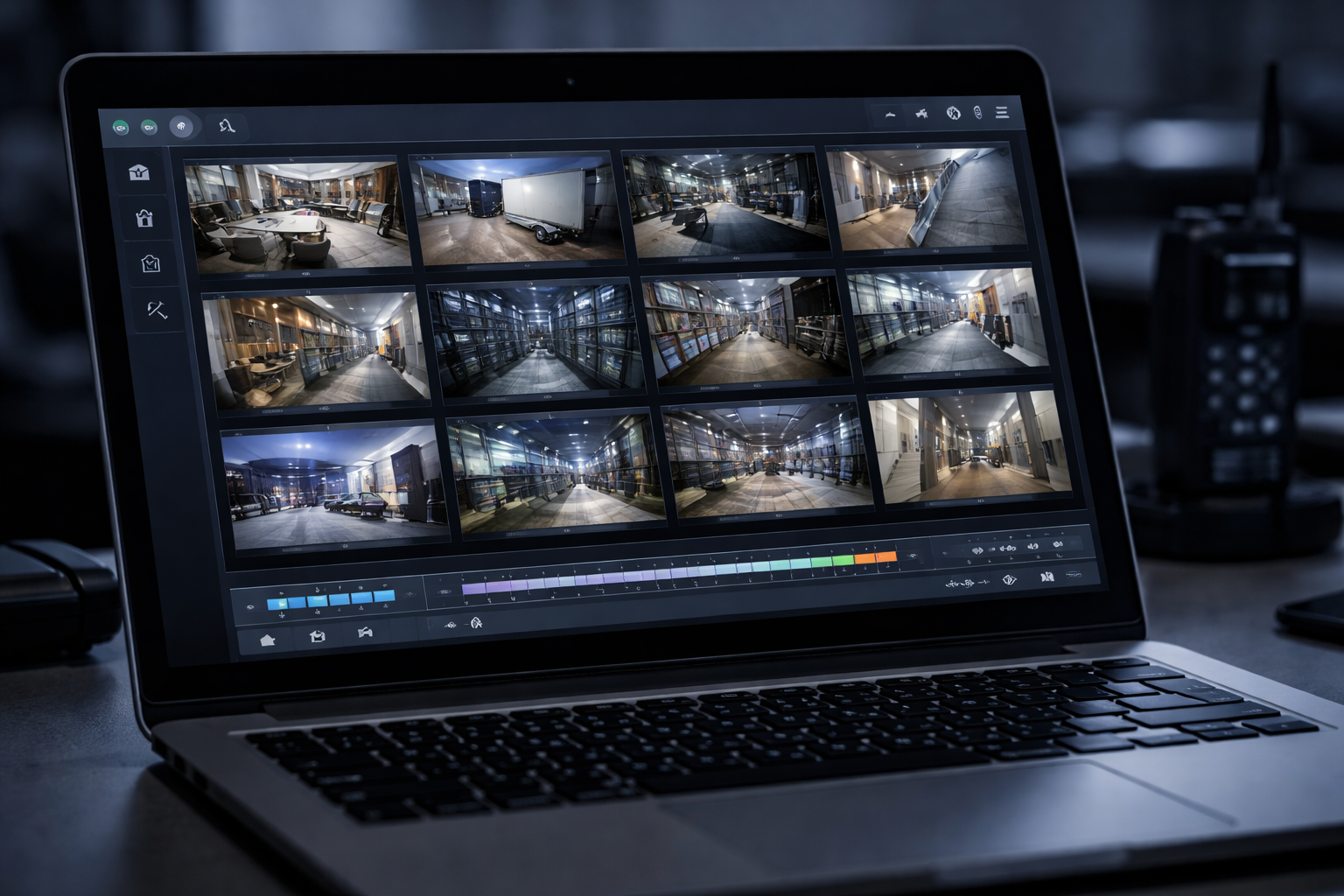
Cloud-managed VMS platforms allow security teams to access footage from any location without on-premise server infrastructure at each site.
Organizations That Want Simple, Fast Deployment
Verkada installations are fast. Cameras are plug-and-play — they connect to the network, call home to Verkada's cloud, and appear in your dashboard within minutes. For organizations that need to deploy quickly or don't have a dedicated security integrator relationship, this simplicity is a real advantage.
Organizations Comfortable with Cloud Data
Verkada stores footage in its own cloud infrastructure. For most commercial organizations, this is a non-issue. For government agencies, law enforcement, healthcare organizations with strict PHI adjacency concerns, or defense contractors, cloud storage of surveillance footage may not align with data sovereignty requirements — and Milestone is a better fit.
Verkada-to-Verkada Integration
If you're already using Verkada cameras, adding Verkada Access control creates a genuinely unified security platform — door events link natively to camera footage, alerts are unified, and the dashboard is the same for both systems. The integration is native, not a third-party API connection.
When Milestone XProtect Is the Right Choice
Large Single-Site or Campus Deployments
For large deployments — a hospital campus, university, large corporate headquarters, or government facility with hundreds of cameras — Milestone's total cost of ownership is typically lower over five years than Verkada's per-camera annual licensing model. The on-premise infrastructure cost is a one-time investment that amortizes over the system's lifespan.
Deep Access Control Integration
Milestone has the broadest access control integration ecosystem in the market. If you're running Lenel, Software House, Genetec, CCURE, or virtually any major access control platform, Milestone has a certified integration. Verkada's access control integration is excellent — but only with Verkada Access.
Advanced Analytics Requirements
Milestone's Marketplace ecosystem includes hundreds of third-party analytics plugins — license plate recognition from multiple vendors, people counting, queue management, PPE detection, and dozens of specialized applications. Verkada's built-in analytics are solid but the third-party ecosystem is smaller.
Data Sovereignty Requirements
Government agencies, defense contractors, and highly regulated organizations that cannot store surveillance footage in a third-party cloud environment need Milestone. Footage stays on your premises, on your hardware, under your control.
The Cost Question
Verkada pricing is per camera per year — typically $300–$500 per camera annually for the license, plus hardware cost. A 50-camera Verkada deployment runs approximately $15,000–$25,000 per year in licensing alone, on top of the initial hardware investment.
Camera hardware selection is separate from VMS platform selection — WCC installs multiple camera brands on both Verkada and Milestone platforms.
Milestone XProtect pricing involves an initial software license (XProtect Essential is free; Professional+ and Expert require purchase), per-camera device licenses, and the cost of on-premise server hardware. For large deployments, the five-year TCO is typically lower than Verkada — but you're responsible for server maintenance, storage management, and eventual hardware replacement.
Neither platform is universally better. WCC installs both Verkada and Milestone for organizations throughout Southern California. The right choice depends on your specific environment, IT team capacity, multi-site footprint, and data requirements — not a generic "best VMS" recommendation.
What About Avigilon, Rhombus, and Others?
WCC also installs Avigilon ACC (on-premise, strong analytics), Avigilon Alta (cloud-managed, similar positioning to Verkada), and Rhombus (cloud-managed, strong for mid-market multi-site). Each has specific use cases where it outperforms both Verkada and Milestone. If your situation doesn't clearly fit either platform above, ask your integrator about these alternatives before defaulting to the two most-marketed options.
WCC Installs Verkada, Milestone, and More Across Southern California
WCC is platform-neutral — we recommend and install the VMS that's right for your organization, not the one with the best margin. Contact us to discuss which platform fits your environment.
Request a Security Camera AssessmentWCC Technologies Group provides security camera installation and VMS deployment throughout Southern California. Learn more about our security camera services.