
Beyond Recording: How Video Analytics
and VMS Are Changing Physical Security
- The shift from DVR recording to modern VMS platforms
- What video analytics actually means — and what's worth paying for
- Edge vs. cloud analytics: where the processing should happen
- Camera resolution, storage, and retention — the practical breakdown
- How video integrates with access control and alarm systems
- How to plan a camera upgrade or new deployment
Video analytics and modern VMS platforms have fundamentally changed what security cameras can do for Southern California businesses — and most facilities haven't caught up yet. For organizations still running legacy DVR systems, the gap between what their cameras do today and what a modern video intelligence platform can deliver is significant, and it widens every year.
This post is for security directors, facilities managers, and IT teams who want to understand where video surveillance technology actually is today, what's worth investing in, and how to think about a path from passive recording to active video intelligence. For hardware and installation budgets, see commercial security camera cost.
From DVR to VMS: What Actually Changed
The first meaningful shift in commercial video surveillance was the move from analog DVRs to IP cameras managed by a VMS (Video Management System). IP cameras transmit video over your network rather than via coax, which means they can be placed anywhere a network connection exists, support higher resolutions, and integrate with software platforms that do far more than record.
A modern VMS — Milestone XProtect, Genetec Security Center, Avigilon Control Center, and Verkada are among the leading platforms — is essentially a software system that manages video streams across your entire camera network. It handles recording, retention policies, multi-site access, user permissions, and increasingly the analytics layer that makes cameras proactive rather than passive.
The bottom line: A modern VMS is not a recording system. It's a physical security intelligence platform — one that connects cameras, analytics, access control, and alarm systems into a unified operational picture.
Video Analytics for Southern California Facilities: What's Worth Paying For
Video analytics gets used loosely, so it's worth being specific. Here's the full spectrum from basic to advanced — and which capabilities actually deliver operational value for Southern California facilities.
| Capability | What It Does | Best For |
|---|---|---|
| Motion detection | Records or alerts when motion is detected | Basic — standard on all modern cameras |
| Object classification | Distinguishes person vs. vehicle vs. animal | Reducing false alarms in all environments |
| Line crossing / zone intrusion | Alerts when defined virtual boundaries are crossed | Perimeter, restricted areas, after-hours monitoring |
| License plate recognition (LPR) | Reads and logs vehicle plates, matches against access lists | Parking, loading docks, gated facilities |
| Loitering detection | Flags individuals in a defined area beyond a set time | Building entrances, ATM areas, perimeter |
| Occupancy monitoring | Counts people in a defined area, alerts at thresholds | Retail, transportation, public spaces |
| Slip-and-fall detection | Identifies falls and alerts staff immediately | Retail, healthcare, hospitality |
| Facial recognition | Identifies individuals against a database | Restricted access — verify CA legal compliance first |
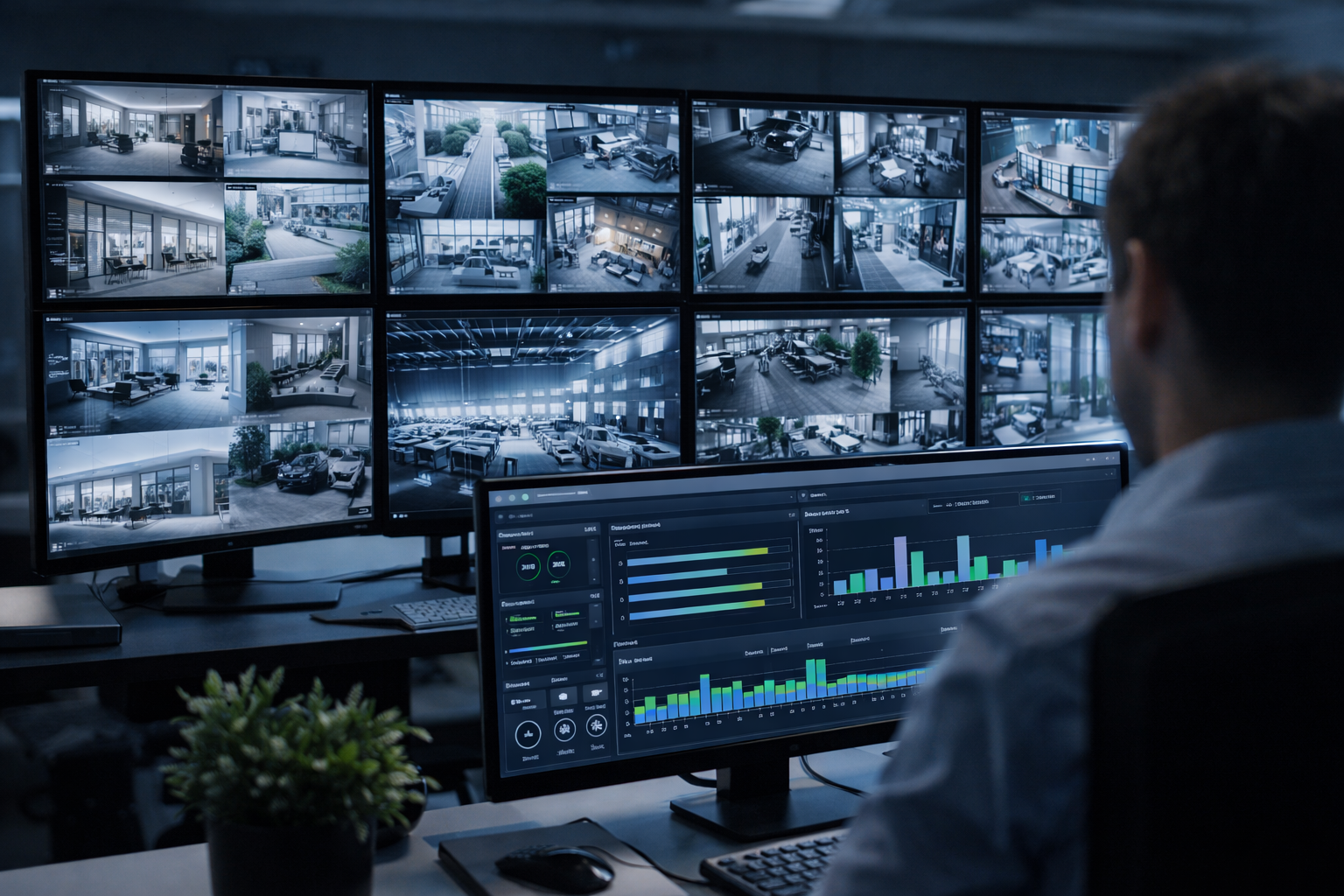
Edge vs. Cloud Video Analytics: Where Should Processing Happen?
Video analytics for Southern California deployments can run in three places — and the right answer depends on your facility size, IT posture, and budget.
- Edge analytics (on the camera). Processing happens on the camera itself, reducing bandwidth consumption and enabling faster local response — the camera can trigger an alert without sending video to a server first. Axis, Bosch, and Avigilon all offer cameras with significant on-camera processing capability. Best for: facilities with bandwidth constraints or remote locations with limited connectivity.
- On-premises VMS analytics. Runs on a dedicated server at your facility. Applies analytics across all cameras simultaneously and supports more compute-intensive algorithms than edge processing. Best for: mid-to-large facilities with IT staff and on-premises server infrastructure.
- Cloud-based analytics. Platforms like Verkada and Rhombus move processing off-site — no on-premises server management, automatic software updates, access from anywhere. The tradeoff is ongoing subscription cost and internet dependency. Best for: organizations with limited IT staff, multi-site deployments where centralized management matters most.
For most Southern California commercial organizations, the right answer is a hybrid: cameras with meaningful edge analytics capabilities, managed by a VMS that runs either on-premises or in the cloud depending on IT posture and compliance requirements.
Camera Resolution: The Practical Breakdown
Resolution matters — but not infinitely. Specifying 4K everywhere without thinking through storage and bandwidth implications is one of the most common and costly mistakes in camera deployments.
- 2MP (1080p) — The current baseline. Acceptable for general area coverage in well-lit environments, but limited for facial identification at distance or license plate reading.
- 4MP — A meaningful step up for identifying individuals at longer distances. Many organizations are standardizing here as costs have come down significantly.
- 8MP (4K) — Delivers the detail needed for wide-area coverage, LPR at distance, and forensically useful footage from a single wide-angle camera. Higher storage consumption and bandwidth requirements.
- Multisensor and panoramic cameras — Multiple lenses in a single housing providing 180° or 360° coverage. A single well-placed multisensor camera can replace three or four single-sensor cameras in open areas, reducing installation and infrastructure costs.
Resolution selection should be driven by the specific use case at each camera location. Not every camera needs to be 4K. A camera monitoring a hallway doesn't need the same spec as one covering a loading dock entrance where license plate reading is required.
Retention, Storage, and Compliance for Southern California Organizations
How long you keep video footage matters both operationally and for compliance. Southern California businesses should also be aware of CCPA implications for video footage collected in spaces accessible to consumers or the public — retention and access policies should be documented.
- 30 days — Common baseline for general commercial environments. Covers most incident investigation timelines.
- 90 days — Typical for higher-security environments: financial institutions, healthcare, government, and organizations with specific regulatory or insurance requirements.
- 365 days or longer — Required in some regulated environments and increasingly requested by insurers. At this retention level, storage architecture becomes a significant design consideration.
Storage can be on-premises (NAS/SAN or NVR), cloud (with associated bandwidth and subscription costs), or hybrid (recent footage on-premises, archived footage in the cloud). Design storage based on actual camera count, resolution, frame rate, retention period, and compression codec — H.265 is significantly more efficient than H.264 and should be the standard specification on any new deployment.
Integrating Video Analytics with Access Control and Alarm Systems
The most powerful shift in modern physical security is the integration of video surveillance with access control and intrusion detection into a unified platform. In a well-integrated system:
- An access control event — a door forced open, a credential denied, an after-hours entry — automatically pulls up the camera view at that door in the VMS.
- An alarm trigger links to the camera in the alarmed zone and begins recording at elevated quality.
- An LPR hit on a flagged vehicle automatically notifies the security team with a live camera view.
- A zone intrusion alert can trigger a lockdown sequence at nearby access control points.
This integration eliminates the detection-to-response gap that exists when systems operate in silos — and dramatically improves the quality of evidence available after an incident. Milestone XProtect, Genetec, and Avigilon Unity all support deep integration with major access control platforms.
Planning a Video Analytics or Camera System Upgrade
If you're planning a camera system upgrade or new deployment for a Southern California facility, here's how to approach it correctly from the start:
- Start with use cases, not cameras. Define what you're trying to accomplish at each area — perimeter detection, LPR, interior coverage, retail analytics — before selecting camera models or quantities.
- Design for coverage, not count. Camera placement and lens selection determine whether you actually see what you need. A site walk with a designer before finalizing the camera schedule is essential.
- Plan for the analytics you'll actually use. Don't pay for capabilities your team won't operationalize. If you don't have a process to respond to real-time alerts, edge analytics won't deliver value. Start with what your team can act on.
- Design storage for where you'll be in three years. Calculate requirements based on actual camera count, resolution, frame rate, retention period, and H.265 compression — not just today's deployment.
- Consider managed video services. For organizations without dedicated security operations staff, managed video monitoring can extract value from analytics without building an internal operations capability.
Legacy DVR system or modern VMS with video analytics?
Signs it's time to upgrade:
- Cameras are analog or pre-2015 IP
- No real-time alerting capability
- Video and access control are siloed
- Storage is running out or retention is under 30 days
- No remote access to camera feeds
- Resolution is 1MP or lower
What a modern system delivers:
- Real-time analytics alerts
- Unified video + access + alarm platform
- Remote access from any device
- Scalable cloud or hybrid storage
- LPR, zone intrusion, object classification
- Documented retention for compliance
The Bottom Line on Video Analytics for Southern California
Video analytics for Southern California facilities is no longer a premium add-on — it's the baseline expectation for any modern security camera deployment. The question isn't whether to implement analytics, it's which capabilities match your operational environment and what platform gives you the integration and scalability to grow into.
Getting there requires more than replacing old cameras with new ones. It requires a design approach that starts with use cases, specifies the right cameras and analytics for each location, integrates video with your broader physical security ecosystem, and plans storage and retention to match your operational and compliance requirements.
Modern video surveillance is not a recording system. It's an intelligence platform — one that detects threats proactively, automates responses, and generates the documentation your legal and compliance teams need after an incident.
WCC Technologies Group designs, installs, and integrates security camera systems and VMS platforms across Southern California — including Axis, Avigilon, Bosch, Milestone, and Verkada. If you're evaluating your current camera infrastructure or planning a new deployment, talk to one of our engineers.
Choosing the platform itself? Start with Verkada vs Milestone — which VMS is right for your organization.
Frequently Asked Questions
What is the difference between a DVR and a VMS?
A DVR (Digital Video Recorder) is a hardware device that records video from analog cameras to a local hard drive. A VMS (Video Management System) is a software platform that manages IP cameras across a network — handling recording, analytics, access control integration, user permissions, and multi-site visibility. A VMS is far more flexible and capable than a DVR, and is the foundation of any modern video analytics deployment.
Is facial recognition legal for commercial use in California?
California has regulations under the CCPA and various local ordinances that affect how facial recognition can be used in commercial environments. Some California cities have restricted or banned facial recognition in certain contexts. Before deploying facial recognition in any Southern California facility, organizations should review applicable state and local laws and consult legal counsel. WCC can advise on alternative analytics capabilities that achieve similar security outcomes without the legal complexity.
How much does a modern VMS and IP camera system cost?
Cost varies significantly based on camera count, resolution, analytics capabilities, VMS platform, storage architecture, and whether the deployment is new construction or a retrofit of an existing system. A small commercial deployment of 20–30 cameras might range from $25,000 to $60,000 fully installed. A large enterprise or multi-site deployment will be higher. WCC provides detailed proposals based on a site assessment and defined use cases — contact us for a site-specific estimate.
Which VMS platform is best for Southern California businesses?
The right VMS depends on your organization's size, IT posture, integration requirements, and budget. Milestone XProtect is highly flexible and integrates with a wide range of camera brands and third-party systems — a strong choice for complex, multi-site environments. Genetec Security Center is excellent for organizations that need deep access control and video integration. Avigilon Control Center pairs well with Avigilon cameras and delivers strong analytics out of the box. Verkada is a strong cloud-based option for organizations that want minimal on-premises infrastructure. WCC is platform-agnostic and recommends based on your specific environment.
Ready to modernize your security cameras?
Talk to a Security Systems Engineer
We'll assess your current system and give you a clear path to modern video intelligence — no oversell.